Does your business CCTV need upgrading? What to keep, what to replace, and when
A CCTV system should provide clear, reliable footage when it matters most.
As systems age, image quality, coverage and recording performance can deteriorate, reducing their effectiveness when an incident occurs.
At DNA Security, we carry out a detailed assessment of your existing CCTV system, identifying any weaknesses and recommending practical improvements. Where existing equipment remains suitable, we will incorporate it into the upgraded system to provide a cost-effective solution without compromising performance.
Our aim is simple: to ensure your CCTV system provides the coverage, image quality and reliability your business requires.
Free upgrade brief builder inside
DNA Security PSA licence 00821 Ballymount, Dublin 12
PSA licensed · No. 00821More than twenty years across Dublin and IrelandBallymount, Dublin 1224/7 monitoring through our licensed partnersCommercial premises firstDesigned and installed to EN 50132PSA licensed · No. 00821More than twenty years across Dublin and IrelandBallymount, Dublin 1224/7 monitoring through our licensed partnersCommercial premises firstDesigned and installed to EN 50132
01The short answer
When a business CCTV system is due an upgrade
A system is due an upgrade when it can no longer do the job it was installed for: identifying people and vehicles at the points that matter, keeping footage long enough for an incident to be noticed, and handing that footage over cleanly. Age on its own is not the test. An older system that still identifies at the entrance may only need a new recorder, while a newer one pointed at the wrong places needs redesigning.
An upgrade rarely means starting again. Cabling, mounting positions and some cameras can often stay, which is why we survey what is already on the wall before specifying anything new.
02Signs it is due
Eight signs a commercial system has fallen behind
None of these needs specialist equipment to spot. Most show up the first time someone tries to use the footage for real.
You cannot identify anyone
The footage shows that someone was there, but not who. Identifying a face at an entrance or a plate at a gate is a different specification from a general view, and many older cameras were fitted for the view alone.
Channels showing no picture
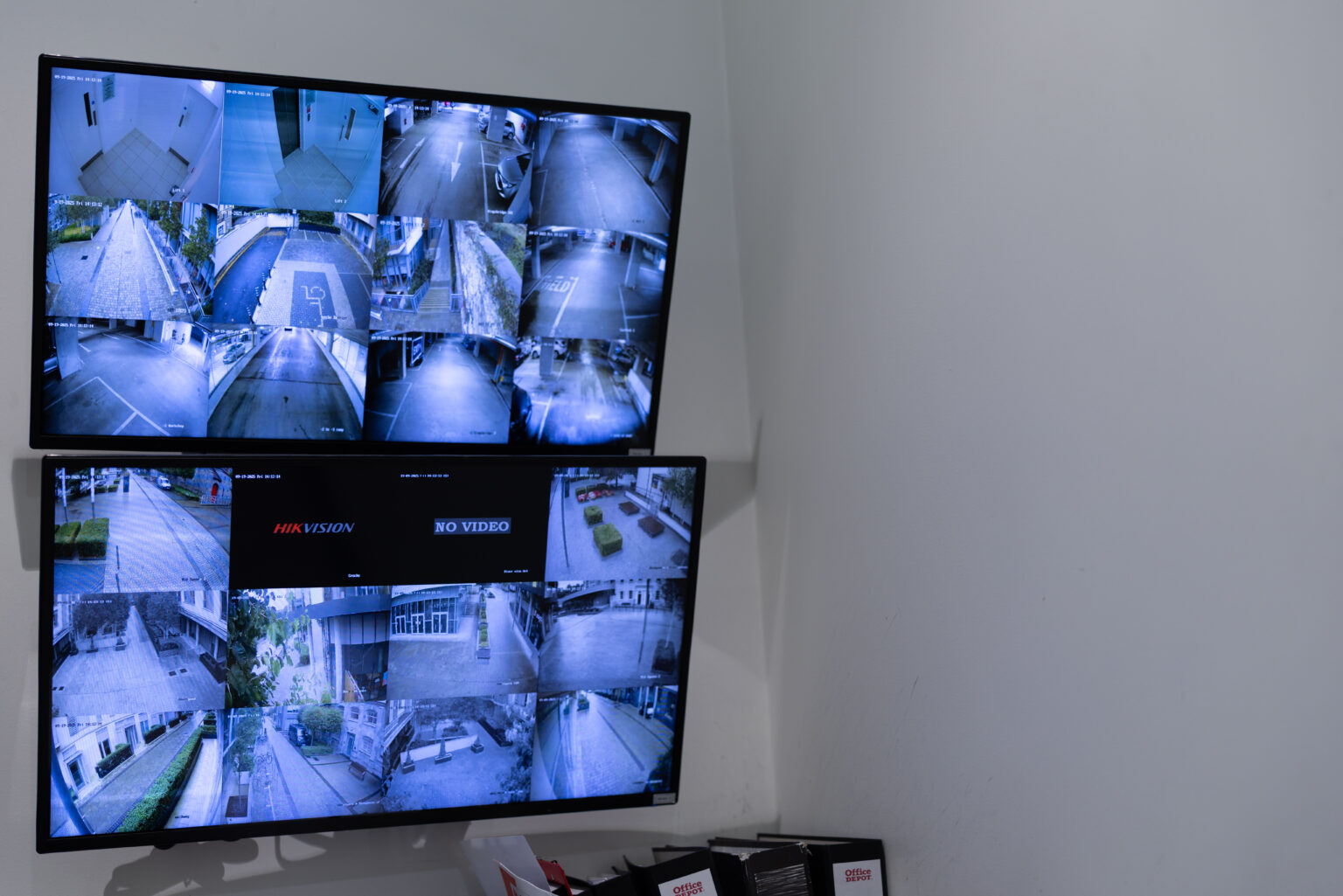
A tile on the monitor reading No Video, or a camera that drops in and out, usually points to a failing camera, connection or power supply. It is easy to live with until that is the camera you need.
Night images that tell you nothing
Glare from site lighting, noise in dark corners and infrared bouncing off nearby walls all degrade the pictures you are most likely to need, because an empty premises is most exposed after dark.
Footage gone before anyone looks
If the recorder overwrites before an incident is noticed, the system has not recorded it in any useful sense. Retention should be a period you decided, not the default the recorder shipped with.
Exporting footage is a struggle
The Data Protection Commission’s own CCTV guidance includes a case where footage was copied onto a mobile phone because the recorder’s download facility was not working, and the disclosure was then examined by the Commission. A clean, correctly timed export should be routine.
The recorder no longer gets updates
Recorders and cameras depend on software from the manufacturer. Equipment that no longer receives updates is harder to keep secure on your network, and remote viewing apps can stop supporting it.
The building has changed around it
A new entrance, an extension, racking moved, a yard now used for stock. Cameras placed for the building as it was often cover the wrong things in the building as it is.
It works on its own
Cameras that cannot link to the intruder alarm or access control miss one of the most useful jobs they can do: putting a picture to an alarm activation or a door event.
Before recommending anything, we look at how the current system performs: which cameras identify and which only give a general view, what the recorder keeps and for how long, and which channels are failing. We also ask what you have needed footage for, and whether it delivered.
02
A full survey of the site
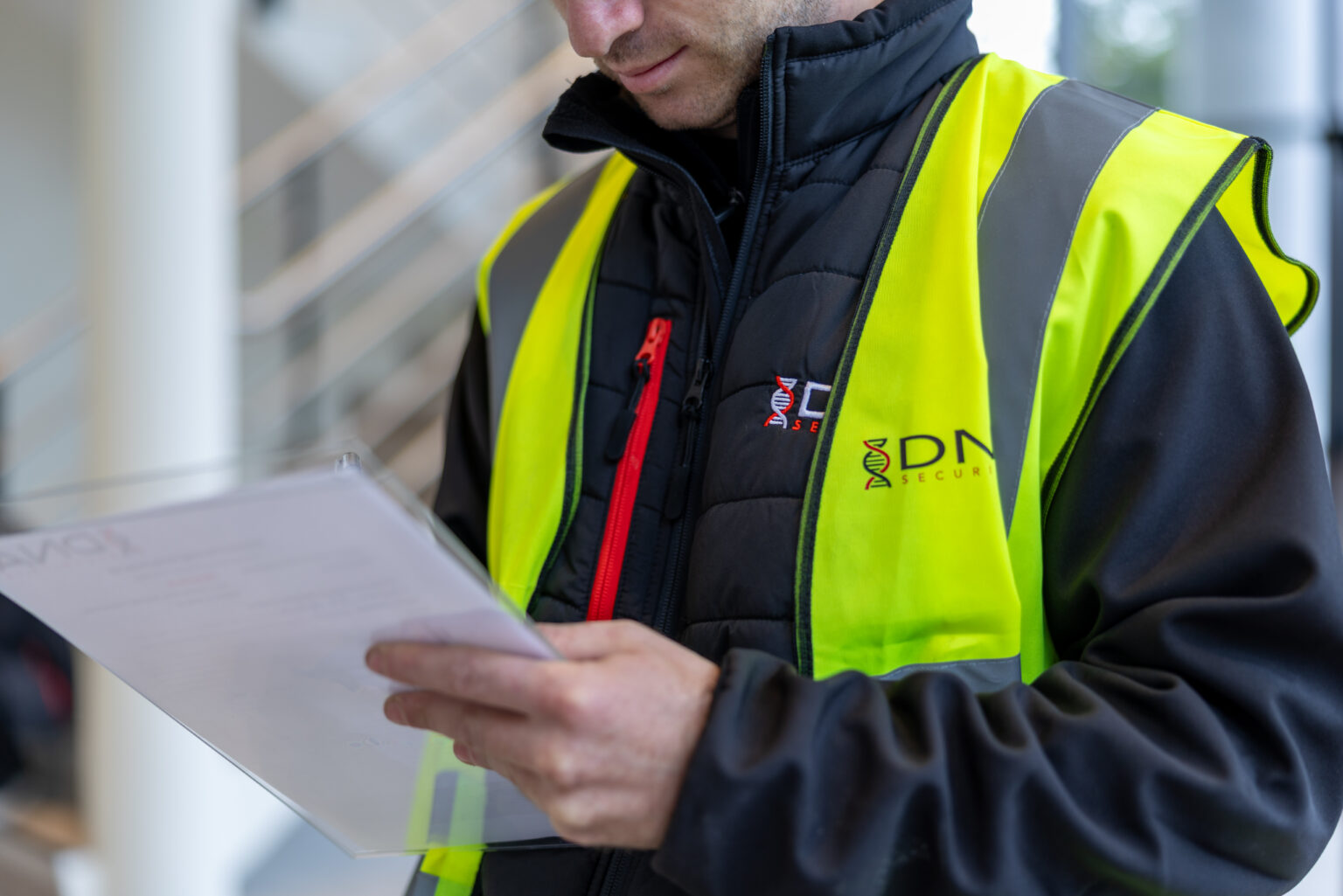
An engineer walks the premises and checks the practical side: power, cabling routes, network availability and mounting points. Camera positions and coverage angles are mapped to remove blind spots, including the ones created since the system went in.
03
A design that says what stays
You receive a tailored design and proposal setting out the equipment we recommend, what can be kept and what should change, the monitoring options, and room to extend later. Commercial CCTV designs are aligned to EN 50132, the standard we design and install to.
04
Installed, tested and handed over
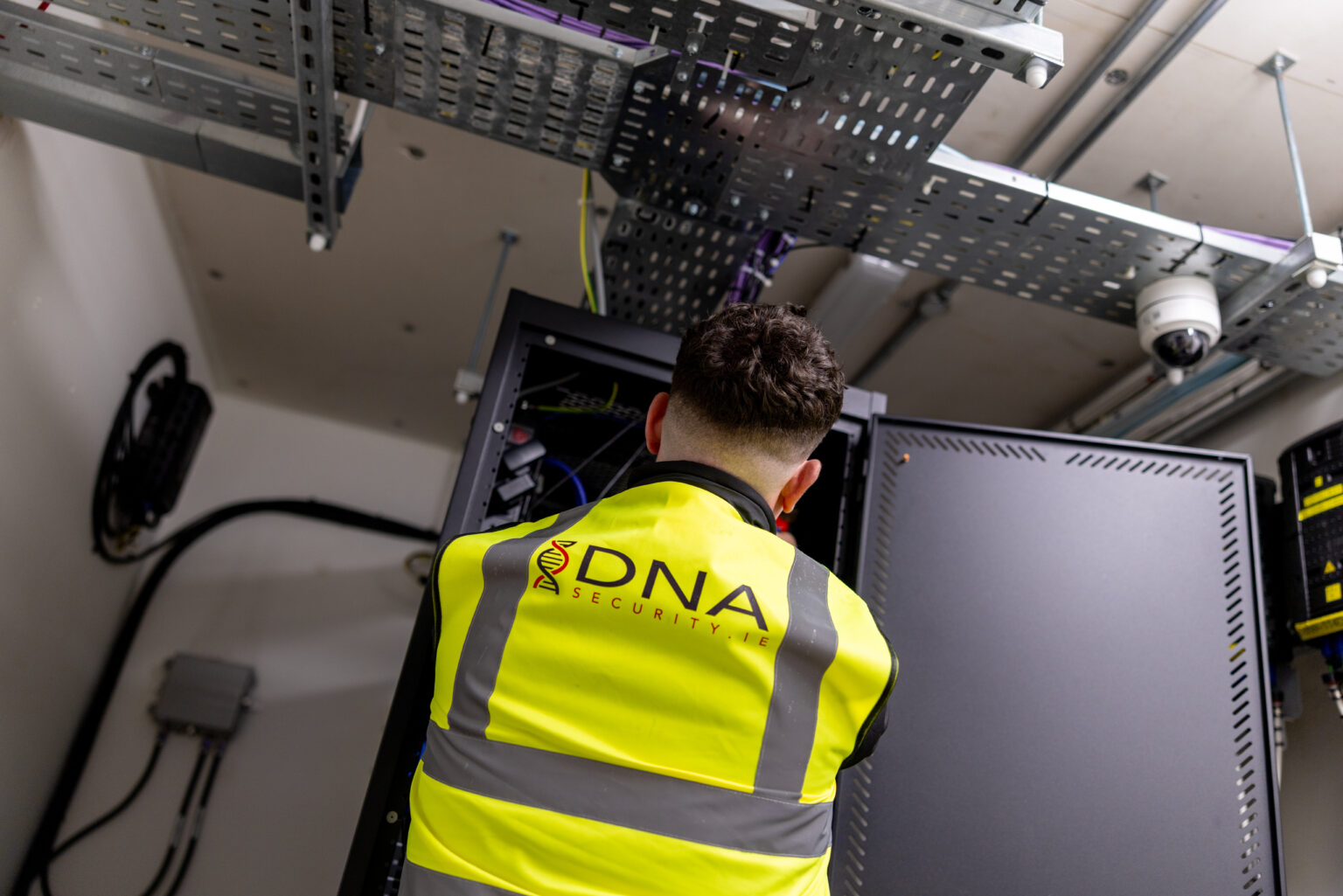
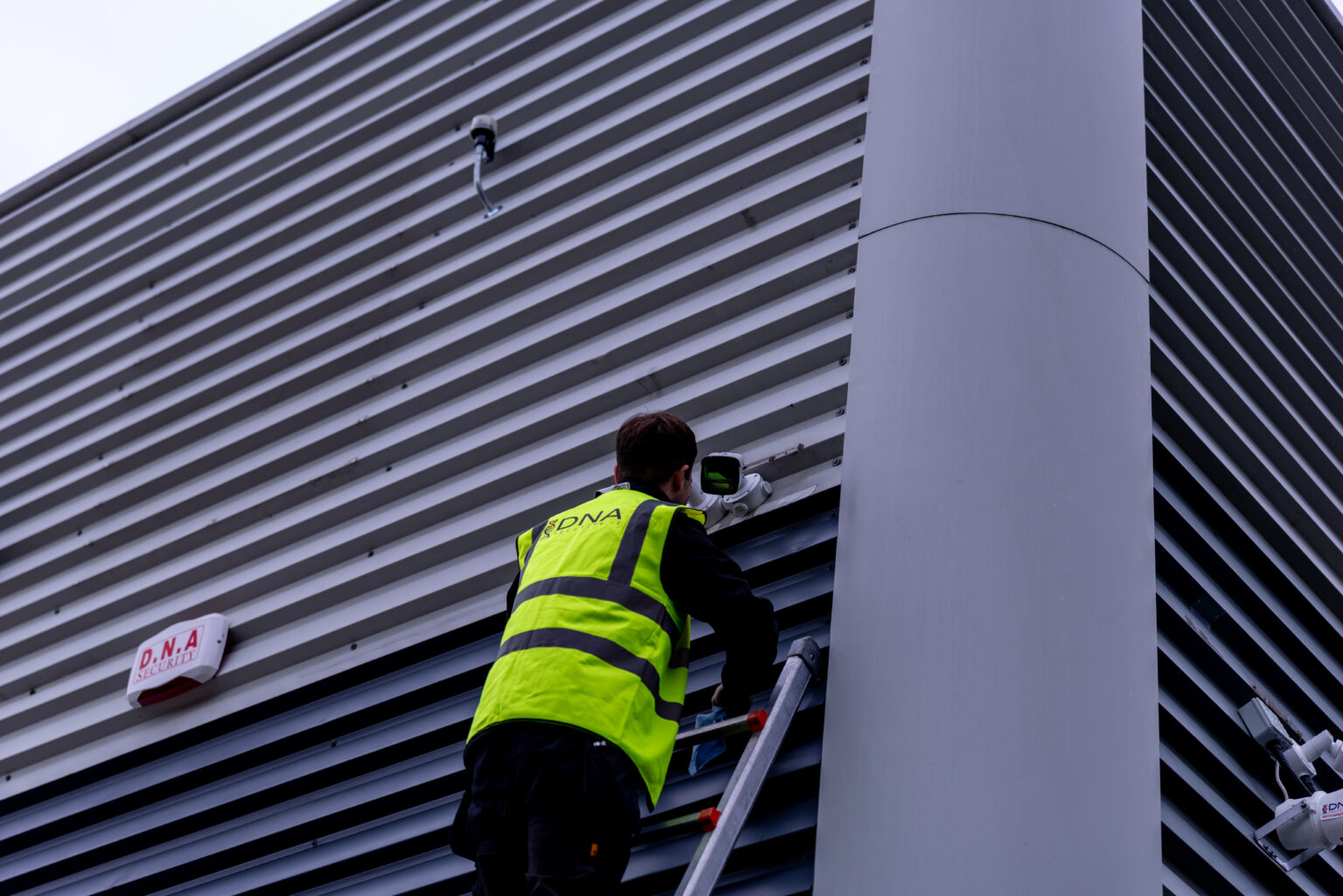
Our engineers install and commission every component, then run full functionality and handover tests. We set up remote access and monitoring where they apply, train the people who will use the system, and leave you the documentation.
04What can be kept
What an upgrade can usually keep, and what it usually cannot
Every building is different, and the survey is where this gets settled. These are the five parts we assess on every existing system.
Cabling
Often the most valuable part of an older system to keep, because it is the most disruptive to replace. Existing coaxial cable can frequently carry HD images through a compatible recorder, and network cabling in good condition can be reused for IP cameras. Condition and routes are checked, not assumed.
The recorder
Often the first part to replace. A new recorder can change retention, search, export and remote access on its own, and it has to match the cameras it serves, whether they are analogue, HD or IP.
Cameras
Kept where they still do their job, replaced where they do not. A camera giving a clear general view of a car park may be fine; one that cannot identify a face at the front door is not, whatever its age.
Mounting, power and positions
Brackets, junction boxes and power supplies can often stay, but positions are worth questioning. Some cameras end up where they were easy to fit rather than where they are needed.
Viewing and network
Monitors, remote access and how the system sits on your network. Remote access should be set up securely with named users, rather than left open for convenience.
05Repair or replace
When a repair is enough, and when it is not
A fault is not automatically a reason to replace a system, and a system that switches on is not automatically worth keeping.
Repair it
One camera or one power supply has failed, and the rest of the system still identifies where it needs to, keeps footage long enough and exports cleanly. Fix the fault and keep the system.
Replace it
Faults keep returning across several channels, the recorder no longer receives updates, or the cameras cannot identify at the points that matter. Repairs then keep an unsuitable system running rather than solving the problem.
06Free tool
Build an upgrade brief for your system
Five questions, and this writes a short brief you can copy, download and bring to a survey: what to check first, what may be kept, how the system should connect to your others, and what you are responsible for. It runs in your browser, sends nothing anywhere, and is not a quotation.
New cameras and a new recorder change what you record and for how long. Under the Data Protection Commission’s guidance those are decisions for you as data controller, not for your installer, and they are easiest to settle while the work is being specified.
A retention period you chose
The DPC’s position is that it would be difficult to justify keeping footage beyond one month for a normal security system, except where it relates to a specific incident being investigated. Set the new recorder deliberately rather than accepting its default.
Signs that match the system
Easily read, well lit signs in prominent positions, showing the purpose of the system and who the data controller is. A sign at all entrances will normally suffice. Check them again if new cameras cover new areas.
Staff clearly told
If the upgraded system records where people work, employees should be given clear notice that CCTV is in use, and told where and why. A system justified for security should not then be used to check attendance or performance.
New views need a reason
A camera that now reaches beyond your boundary, or into a break room, needs a justification or a different position. Recording in break rooms, changing rooms and toilets should be avoided altogether.
This is a plain summary of published guidance so you know what to ask about. It is not legal advice, and the DPC guidance is the authority. Our guide to commercial CCTV monitoring sets out the wider list of obligations.
08Common questions
Upgrading business CCTV, answered
How do I know if our business CCTV needs upgrading?
Check whether it still does the job it was bought for. If cameras cannot identify people or vehicles at entrances, channels drop out, night images are unusable, footage is overwritten before anyone looks, or exporting a clip is a struggle, the system has fallen behind. Age alone is not the test; performance at the points that matter is.
When should a business replace its CCTV cameras?
When a camera cannot do the job its position demands, or it no longer receives software updates from the manufacturer. A camera that still gives a clear general view can often stay. One that cannot identify a face at the front door should be replaced or repositioned, whatever its age.
Can we keep our existing cabling when we upgrade?
Often, yes. Existing coaxial cable can frequently carry HD images through a compatible recorder, and network cabling in good condition can be reused for IP cameras. Condition, routes and lengths are checked at survey rather than assumed, because a failing cable will undermine a new camera.
Is it better to repair or replace an older CCTV system?
Repair when a single fault is the problem and the rest of the system still identifies, retains and exports properly. Replace when faults keep returning across several channels, the recorder no longer receives updates, or the cameras cannot identify where they need to, because repairs then keep an unsuitable system running.
Do we need to change anything for data protection when we upgrade?
Review it, because an upgrade changes what you record. Set a retention period you can justify, check your signs still reflect the system, give staff clear notice if their work areas are covered, and avoid recording break rooms, changing rooms and toilets. The Data Protection Commission’s guidance is the authority.
Can you upgrade a system another company installed?
Yes. We survey the system as it stands, whoever fitted it, and set out what can be kept and what should be replaced. We work on older analogue systems as well as newer IP systems, so an upgrade does not have to start with removing everything already on the wall.
Should an upgraded system be monitored?
It depends on the premises and when it stands empty. A recorded system stores footage to review afterwards. A monitored system sends images to a staffed alarm receiving centre, where an operator can act while an incident is happening. Our guide to commercial CCTV monitoring sets out the difference in detail.
09Where to start
Start with the system you already have
Most of what an upgrade needs is decided on site: which cameras still earn their place, what the recorder can do, and where the building has changed since the system went in. That is quicker to settle by walking the premises than by comparing camera specifications.
We are DNA Security, PSA licensed under number 00821, and we have been designing, installing and maintaining security systems across Dublin and Ireland for more than twenty years.
What we offer
Everything available to you as a customer
We design, install and maintain every system ourselves, for commercial premises across Dublin and Ireland and for homes where they are needed, with 24/7 monitoring and keyholding through our licensed partners. One survey, one contract, one number to ring.
Fire detection designed, installed and maintained to the standard the premises is held to, monitored alongside the intruder system if you want one point of contact. For business · For homes
Connection to a PSA licensed centre, planned maintenance visits, and a report of every event against your premises.
Tell us what you have now
Bring the brief you built above, or just the address and a photo of the recorder. We will survey the system, set out what can stay and what should change, and price it in separate lines. No obligation.
Sources. Data Protection Commission, Guidance on the Use of CCTV for Data Controllers, for the retention, signage and workplace positions summarised above and the case study on footage copied to a mobile phone. The survey and design process described is our own, and the points about cabling, recorders and cameras reflect our installation practice rather than a statement of any standard.

 The existing system
 Site survey
 The proposal
 Installed and handed over